
CloudBari POS · Signature product
Run your whole shop from one screen — sales, stock, dues and cash
- In daily production use
- Bangla & English
- Works in any browser
- Setup & training included
Sound familiar?
The daily problems CloudBari POS was built to remove
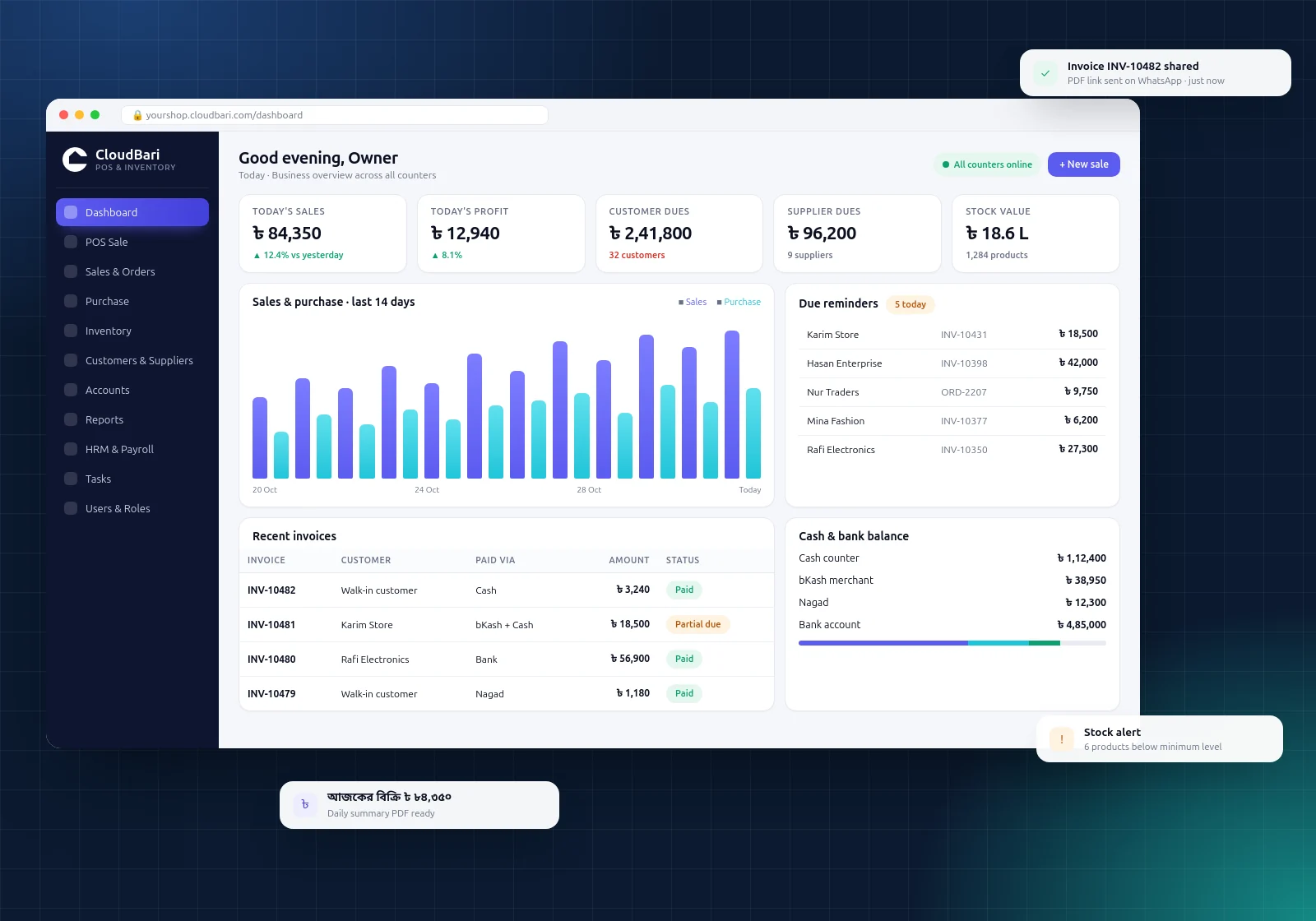
Dues live in a paper khata, and nobody is sure who owes what.
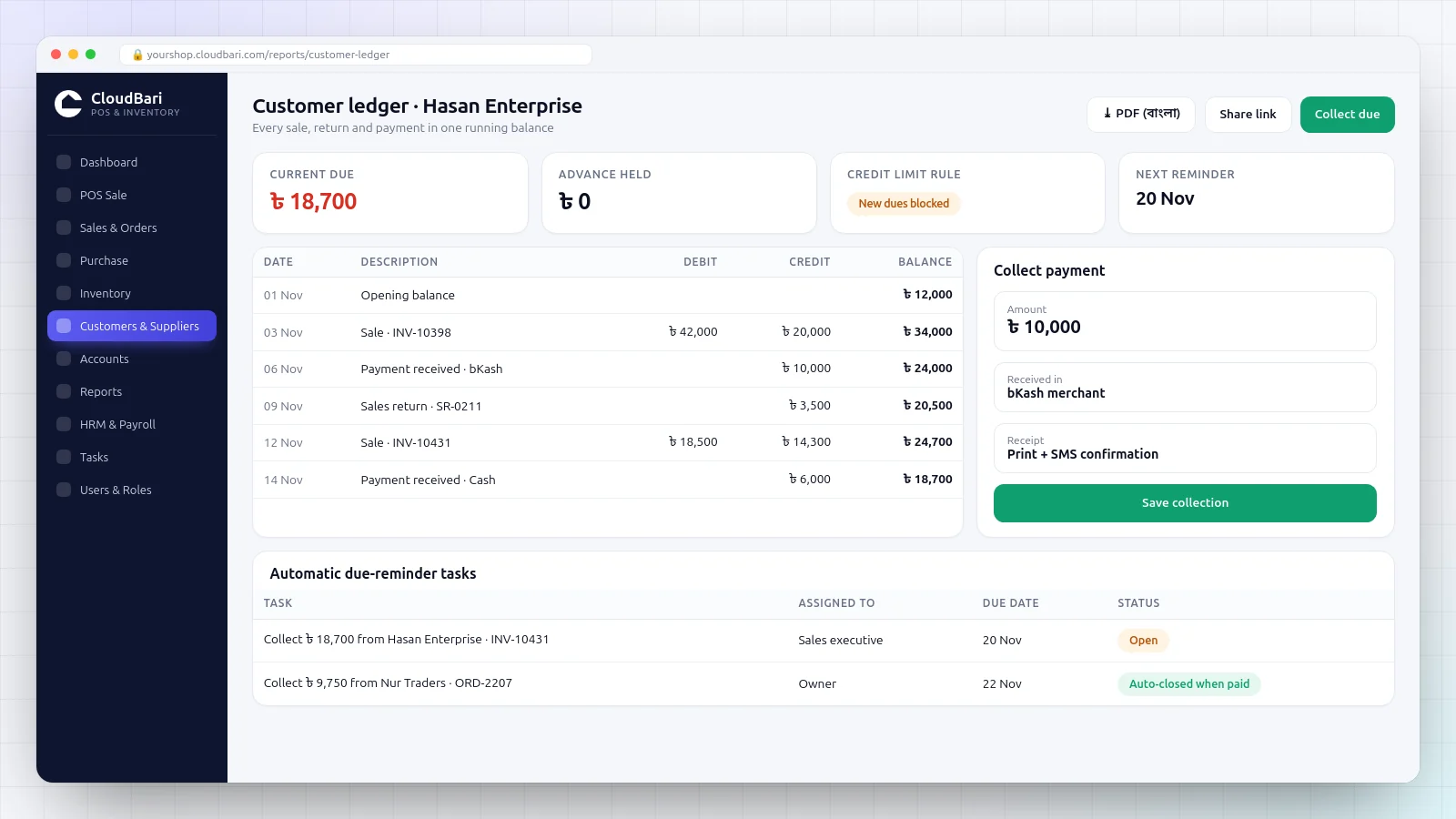
Every customer has a live ledger with due dates, reminders and one-tap payment collection.
Stock in the register never matches stock on the shelf.
Sales, purchases and returns move stock automatically, in boxes, bags or pieces.
Cash, bKash and bank money are counted separately at night.
Each account has its own live balance, with a cash book and a daily summary PDF.
Profit is a guess until the accountant finishes the month.
Moving-average costing shows today’s profit on the dashboard — before you close.
Everything in one place
Twelve modules that work as one system
Fast POS billing
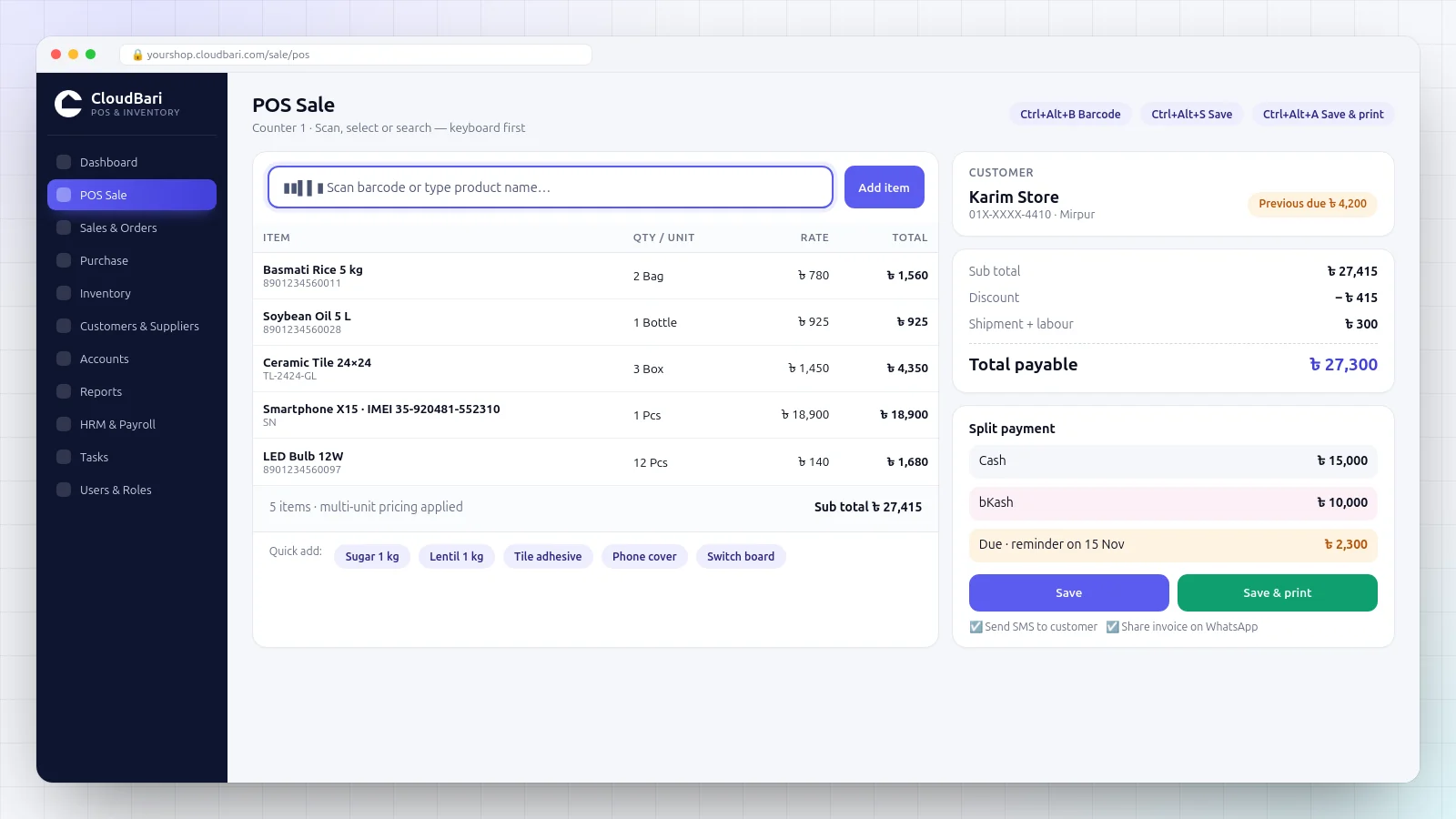
Scan a barcode or search by name, apply discounts and save or print in seconds. Keyboard shortcuts keep the queue moving.
Multi-unit stock
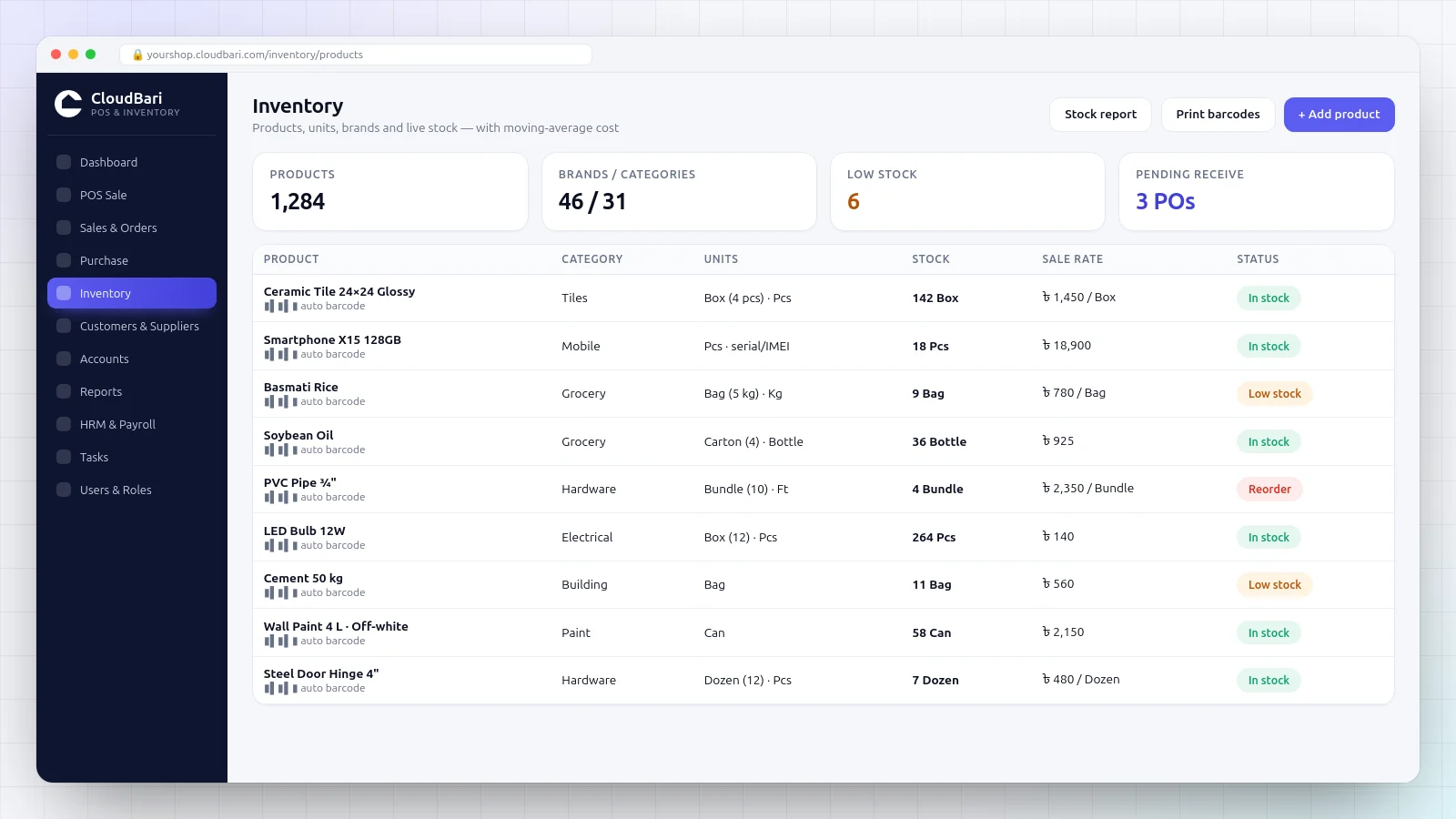
Buy by the box or bag and sell by the piece or kilo. Stock is always counted in the right base unit.
Serial & IMEI tracking
Track every serialised item from purchase to sale or return. Duplicate serials are blocked automatically.
Purchase & partial receiving
Record supplier invoices, receive goods in parts and keep pending deliveries visible until they arrive.
Customer dues & credit control
Running ledgers, advance and due netting, due dates and a per-customer switch to stop new dues.
Cash, bank & mobile wallets
Separate balances for cash, bank, bKash and Nagad. Split payments and balance transfers are recorded with a full trail.
Returns & re-generation
Sales and purchase returns update stock, money and ledgers together — nothing has to be fixed by hand.
Quotations & sale orders
Prepare quotations and orders without touching stock, then confirm them into real sales with one click.
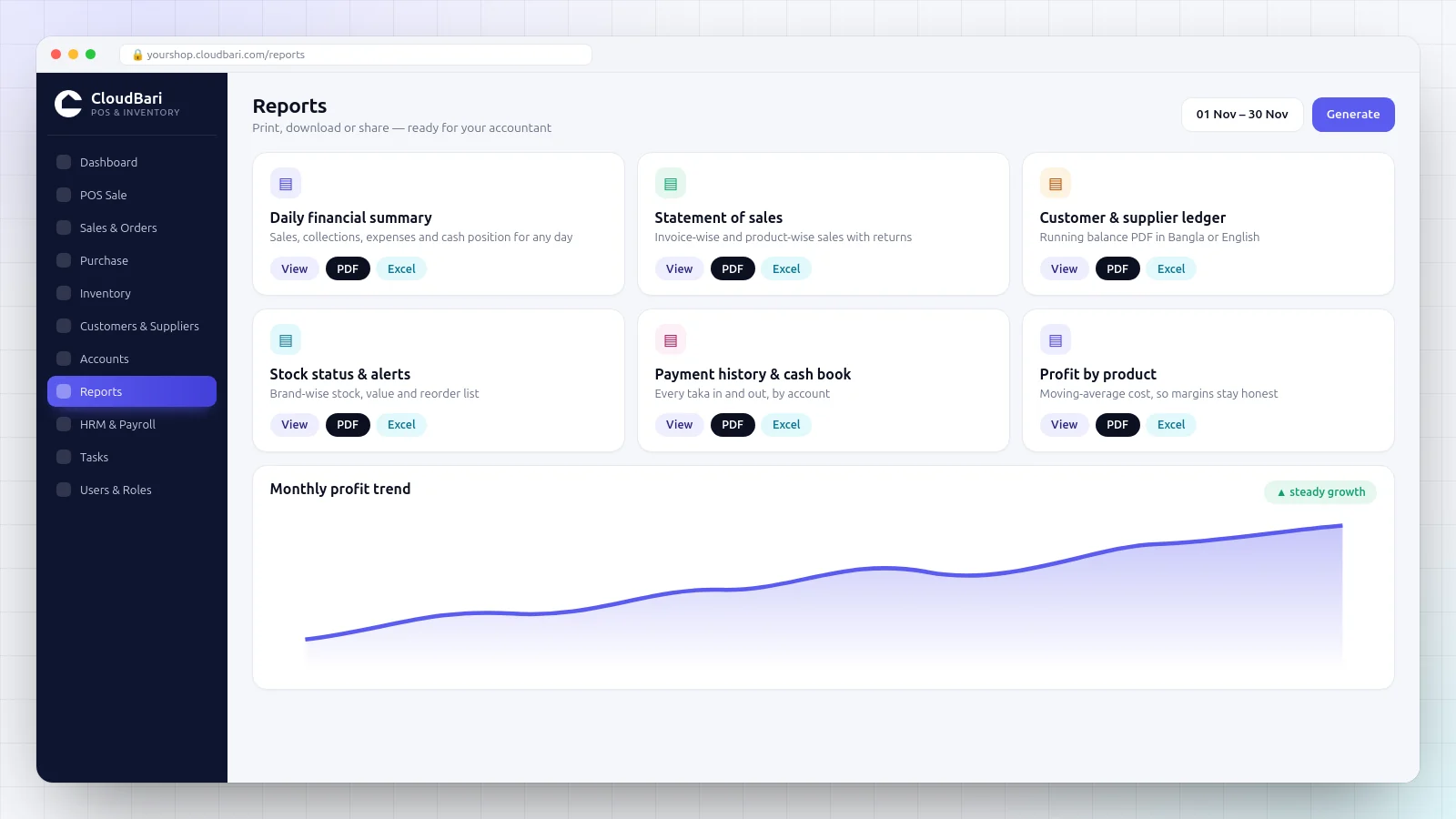
Reports & daily summary
Daily financial summary, sales and purchase statements, stock status, profit and cash book — in PDF or Excel.
Share invoices on WhatsApp
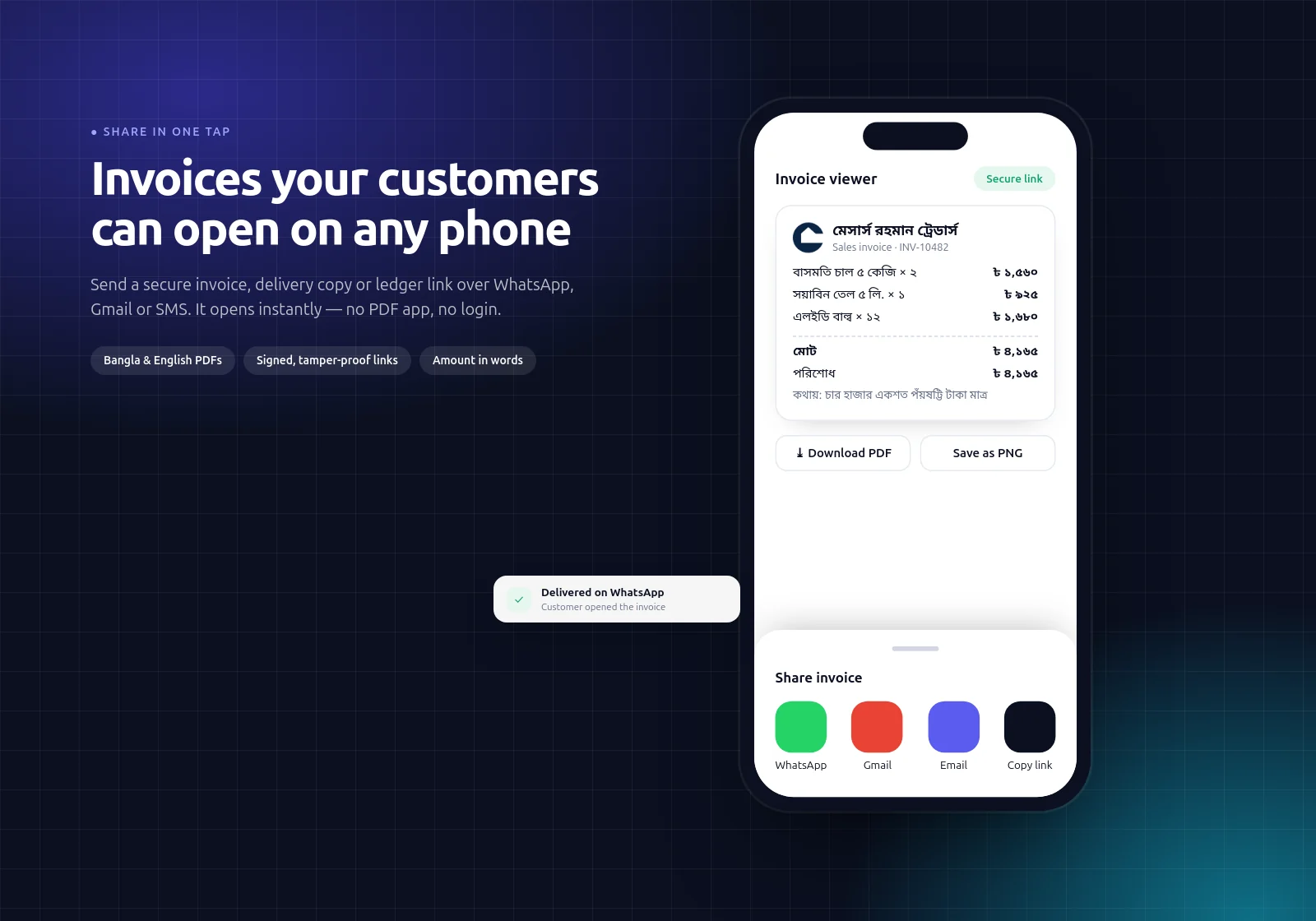
Send secure invoice, delivery copy and ledger links by WhatsApp, Gmail or SMS. They open on any phone.
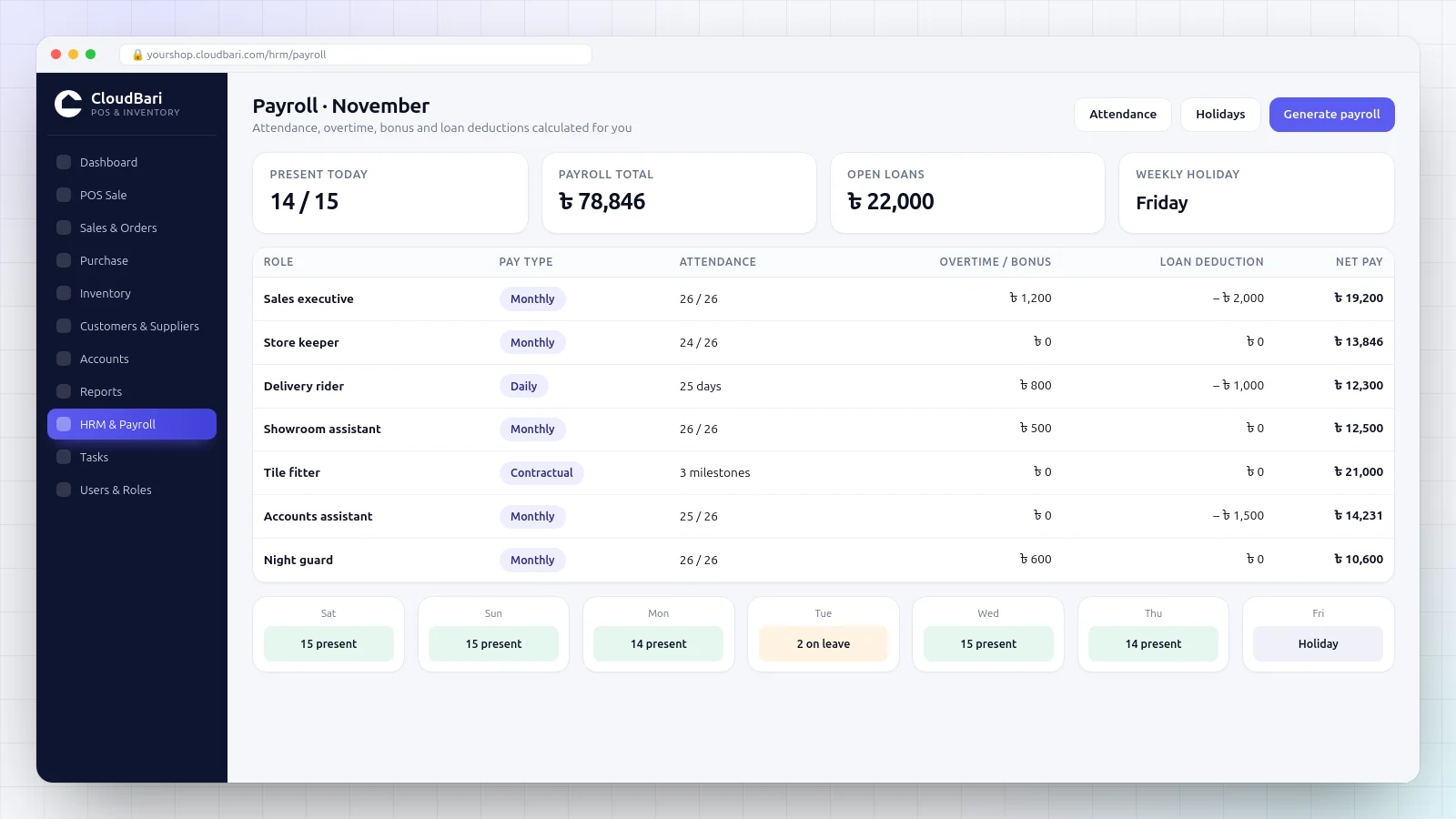
HRM & payroll
Attendance, holidays, loans, bonuses and payroll for monthly, daily and contract staff.
Roles, permissions & activity log
Give each staff member only the screens they need. Important actions are logged with who and when.
POS billing
Billing that keeps up with a busy counter
Inventory
Inventory that understands boxes, bags and pieces
Dues & ledgers
Never lose track of a single taka of due
Share & print
Invoices your customers can open on any phone
Reports & payroll
The numbers you need, when you need them
What changes
What owners notice in the first month
Close the day in minutes
The daily summary shows sales, collections, expenses and every account balance on one page.
Collect dues on time
Due dates turn into reminders, and ledgers can be shared with the customer by link.
Hand the counter to staff safely
Role-based permissions and an activity log show who did what.
Stop silent stock loss
Stock alerts, serial tracking and stock reports make gaps visible early.
Know your real profit
Costs follow every purchase, so margins reflect what you actually paid.
Keep your data yours
Each business gets its own workspace, with Excel backups you can download any time.
Getting started
From first call to your first sale
-
01
Free live demo
See CloudBari POS working with sample products similar to yours, and ask every question you have.
-
02
Written quote
Users, modules and setup are agreed in writing. No surprise charges later.
-
03
Setup & data loading
Your products, units, opening stock, customer and supplier balances and payment accounts are set up with you.
-
04
Training
Hands-on training for the owner and counter staff, in Bangla, until everyone is comfortable.
-
05
Go live with support
Direct WhatsApp and phone support, plus regular updates as the product improves.
See it with your own eyes
Bring your product list. We will show you a real sale in 20 minutes.
Pricing
Simple plans, quoted for your business
01
Single shop
POS billing, inventory, customer dues, payment accounts and core reports for one counter.
Get started02
Growing business
Multiple users and roles, purchase and supplier ledgers, serial tracking, SMS, HRM and payroll.
Get started03
Custom setup
Special workflows, custom print formats, data migration or integrations scoped to your needs.
Get startedAll plans include setup support and training. Prices are confirmed in writing before anything is charged.
Questions
CloudBari POS — common questions
Do I need to install anything?
Does it work in Bangla?
Can you load my existing products and customer dues?
Can my staff use it without seeing profit or deleting sales?
Does it handle bKash, Nagad and bank payments?
Is my data safe, and can I take a backup?
Can it send SMS to customers?
What kind of support do I get?
How quickly will I get a reply?
How is the price decided?
Who owns my data?
Is support available in Bangla?
Next step